0.2 Solve For X
A Quick Review of How To "Solve For X"
Using Addition & Subtraction to "Solve For X"
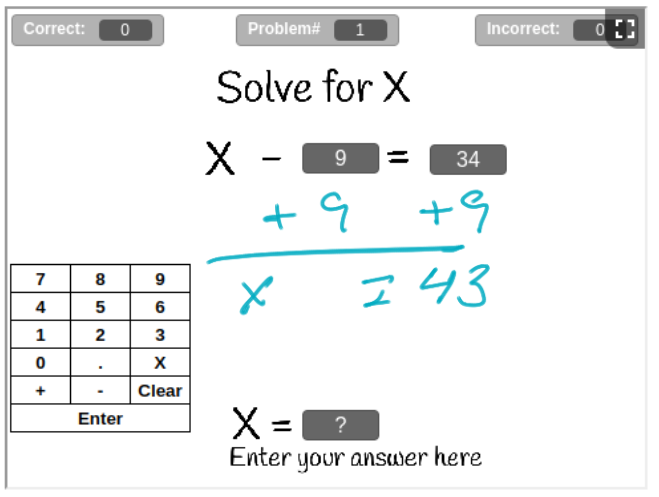
Steps to "Solve For X"
- Use the opposite operation ( + or - )
of the operation ( + or - ) that is on the
right side of the equation
to move the constant on the right side of the
equation to left side of the equation.
"Add the Opposite"
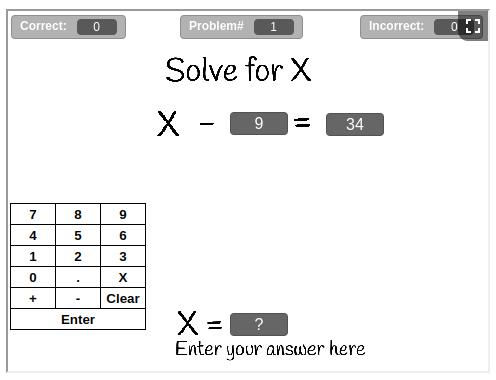
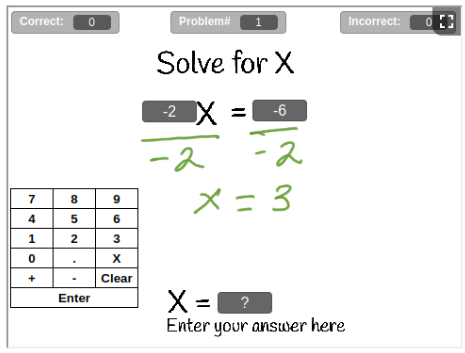
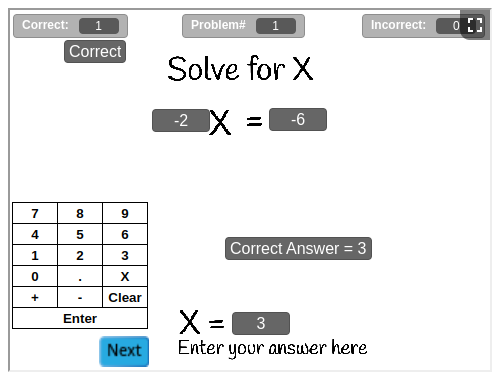
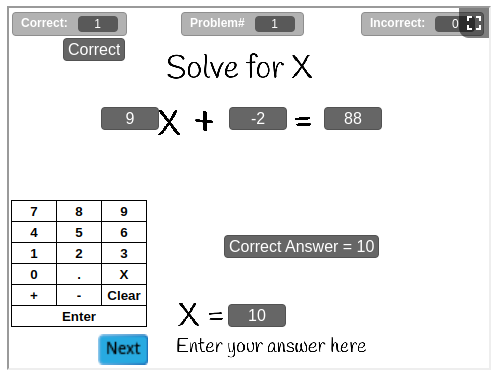
Example A:
Using Division to "Solve For X"
Steps to "Solve For X"
- Divide Both Side by the Coefficient of "X". The
Coefficient of a variable is the number in front of the variable,
if
there is no number in front of the variable, the coefficient is "1".
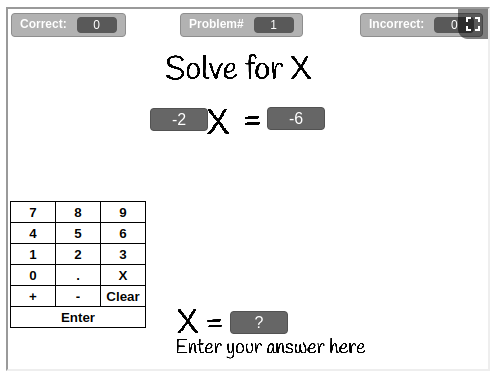
Example B:
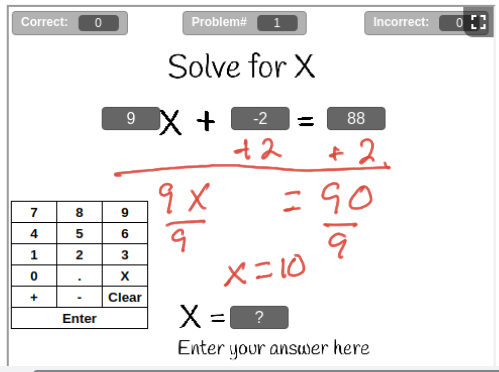
Using Addition, Subtraction & Division to "Solve For X"
Steps to "Solve For X"
- Use the opposite operation ( + or - )
of the operation ( + or - ) that is on the
right side of the equation
to move the constant on the right side of the
equation to left side of the equation.
"Add the Opposite"
- Divide Both Side by the Coefficient of "X". The
Coefficient of a variable is the number in front of the variable,
if
there is no number in front of the variable, the coefficient is "1".
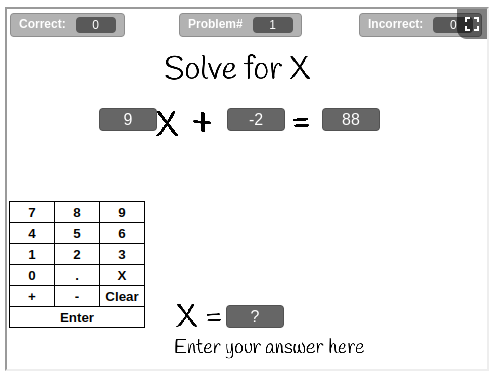
Example C:
Using Addition, Subtraction & Division to "Solve For X" on Both Sides
Steps to "Solve For X"
- Use the opposite operation ( + or - )
of the operation ( + or - ) that is on the
right side of the equation
to move the constant on the right side of the
equation to left side of the equation.
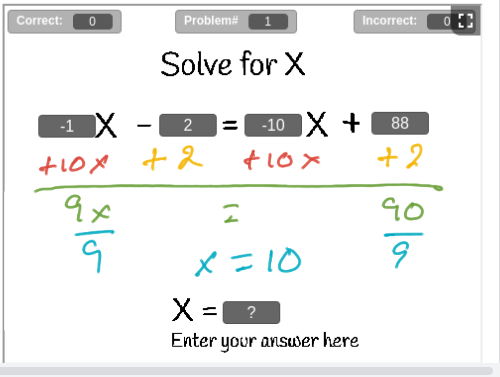
"Add the Opposite"
- Use the opposite operation ( + or - )
of the sign ( + or - ) of the
variable that is on the
right side of the equation
to move the
variable to left side of the equation.
"Add the Opposite"
- Divide Both Side by the Coefficient of "X". The
Coefficient of a variable is the number in front of the variable,
if
there is no number in front of the variable, the coefficient is "1".
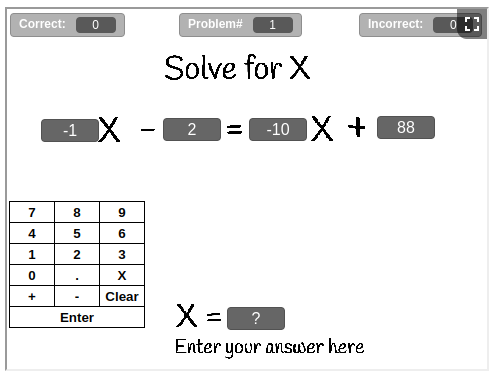
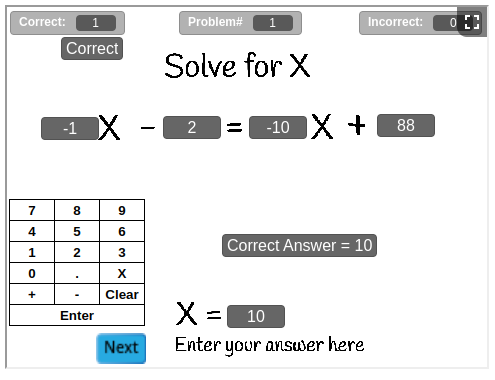
Example D:
Assignment:
Instructions:
- For each question:
- Take a screenshot and paste it into the Jamboard for this
assignment
- Show all of your work on the Jamboard
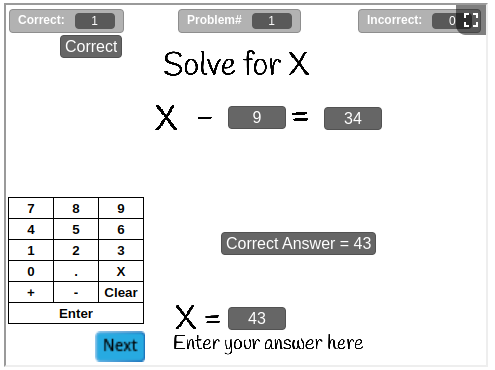
- Enter your answer into the app and check your answer
- Take a screenshot the results and paste it into the Jamboard
- Take a screenshot the Final Results and paste it into the
1st page of the Jamboard
- For questions 1 - 10, use Jamboard 0.2 1-10 & the App in Example
A to do 10 problems
- For questions 11 - 20, use Jamboard 0.2 11-20 & the App in
Example B to do 10 problems
- For questions 21 - 30, use Jamboard 0.2 21-30 & the App in
Example C to do 10 problems
- For questions 31 - 40, use Jamboard 0.2 31-40 & the App in
Example D to do 10 problems
To use the app:
- Click
 for full screen mode
- Choose the number of questions you want, from
 to
to
 .
.
- Click
 to
check your answer.
to
check your answer.
- Click
 to goto the next problem
- Click
 to stop the app